
-
Create your organizer account
Sign up in the Opieko app with a phone number and an email address, then accept the terms. Creating an account is free — Opieko only charges a commission on visits that are paid and completed. -
Add a care recipient
Your organizer account and the care recipient profile are two separate profiles — add the care recipient from within the app with their details. You can add more than one care recipient and pick the right one for each booking.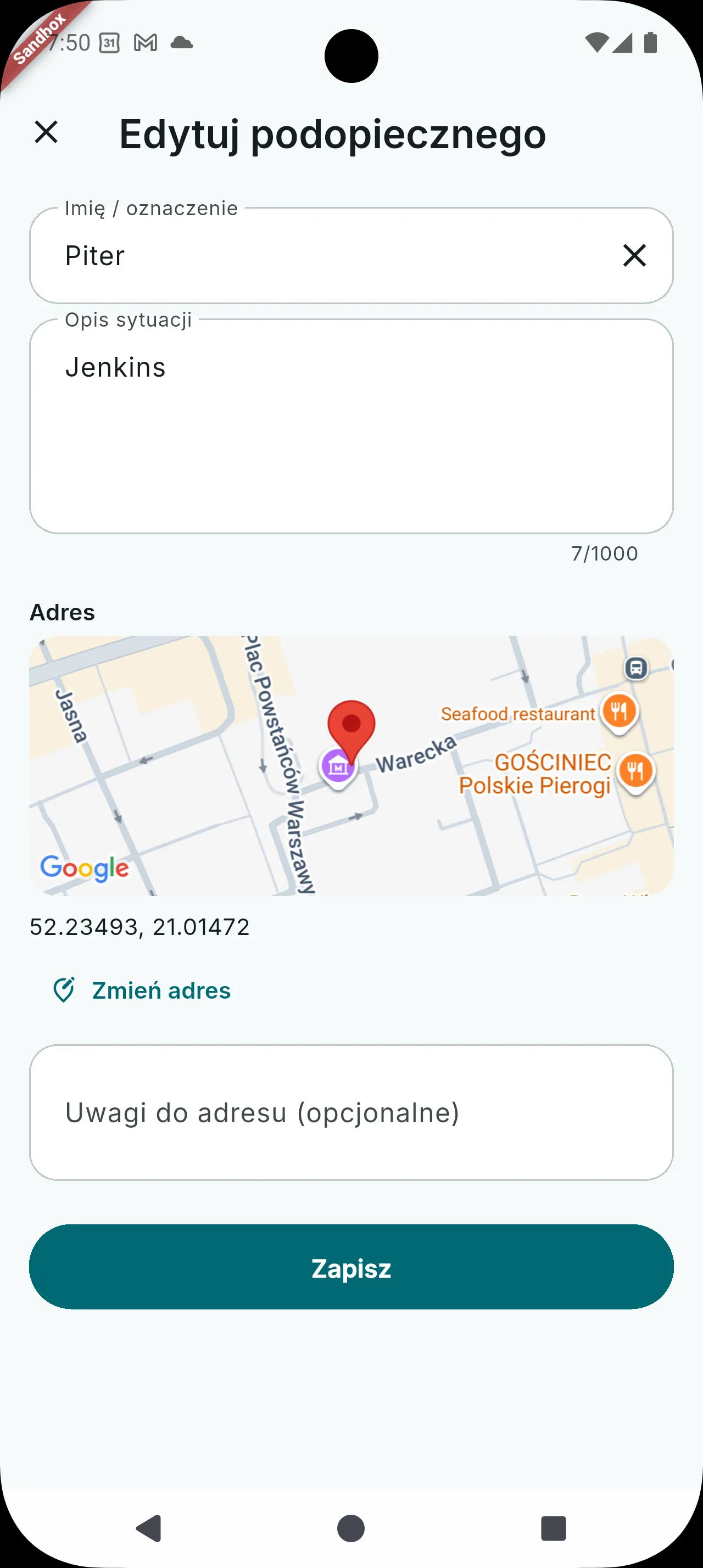
The account holder and the care recipient are separate profiles — add the person receiving care here.
Is creating an account free? +
Yes — creating an organizer account is free. Opieko only charges a commission on paid visits.
When do I add a care recipient? +
After creating your account, you add a separate care recipient profile from within the app — you can do this right away or just before your first booking.